
Business phone
A phone system your office can actually run
Desk phones, your computer, Microsoft Teams and your cell, all on one system. Change how calls flow yourself, or let Freedom Tech do it.
Routing
Calls reach the right person
- Ring groups ring a few people together or in turn, and send unanswered calls where you choose.
- Phone menus: "Press 1 for scheduling, 2 for billing." Each key rings a person or group, goes to voicemail, plays a recording, or texts the caller a link.
- Call queues hold callers in line with your music and announcements. Callers can ask for a call back instead of waiting and keep their place.
- Skills send Spanish speakers or billing questions to the people who know best first.
- Office hours and holidays switch the phones to closed by themselves. Close early for snow in two clicks.
- The call flow map draws every path from each number. Drag a line to re-route it, and test a pretend call without ringing anyone.
Call protection
Keep robocalls and scams off your phones
Press 1, or say your name
Callers you've never dealt with press 1 (most robocalls can't), or say their name and why they're calling. Your desk phone shows what they said before you answer.
AI rules
Send sales calls, debt collectors, surveys, recorded messages and likely scams straight to voicemail. Each person can choose their own rules.
Block and time-outs
Block a number for a day, a week, 30 days or for good. Callers reported as spam by your team can be blocked automatically.
Other countries
Take calls from anywhere, or only from the U.S. and Canada.
See what it stopped
A weekly count of calls screened, sent to voicemail and turned away, with the list to check.
Your contacts ring through
People in your address book, people you've called, and anyone you talked to in the last year skip screening.
Anywhere you work
Your phone, wherever you are
- Desk phones set up and ready, with the office directory, speed dials and a ring that tells you a coworker is calling.
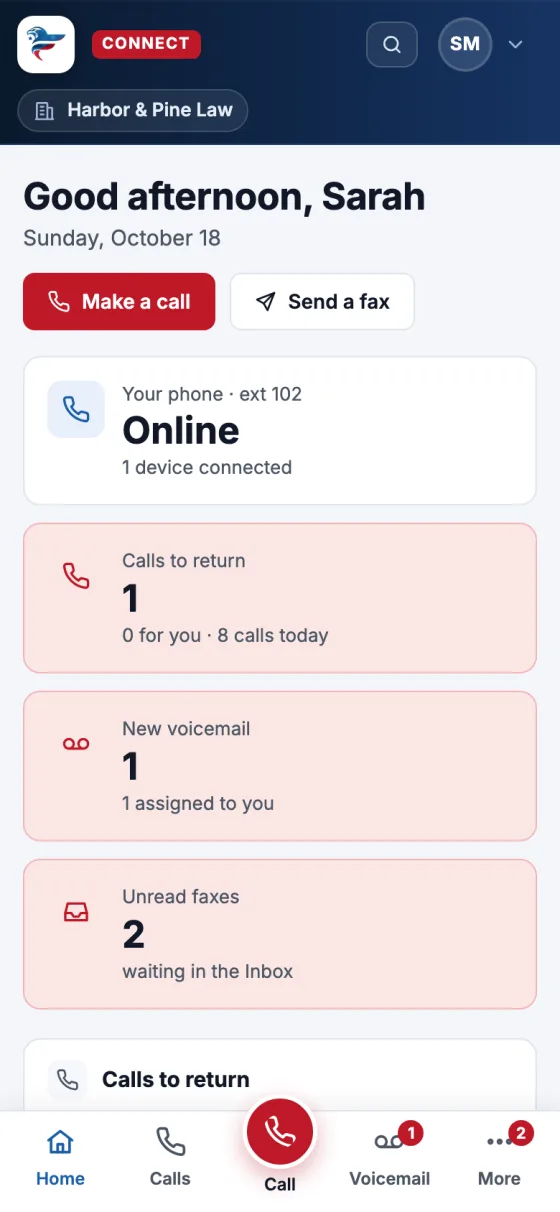
- In your browser and on your phone: make calls, read voicemail, and get notifications. No app store needed.
- In Microsoft Teams: Connect is there as Phones & Fax, and your Teams status and desk phone stay in step.
- Flip a call to your cell mid-conversation, forward your calls, or turn on do not disturb from anywhere.
- Dial in from anywhere with a PIN and call out showing the office number, so you never give out your cell.
Working together
Built for a team, not just a phone line
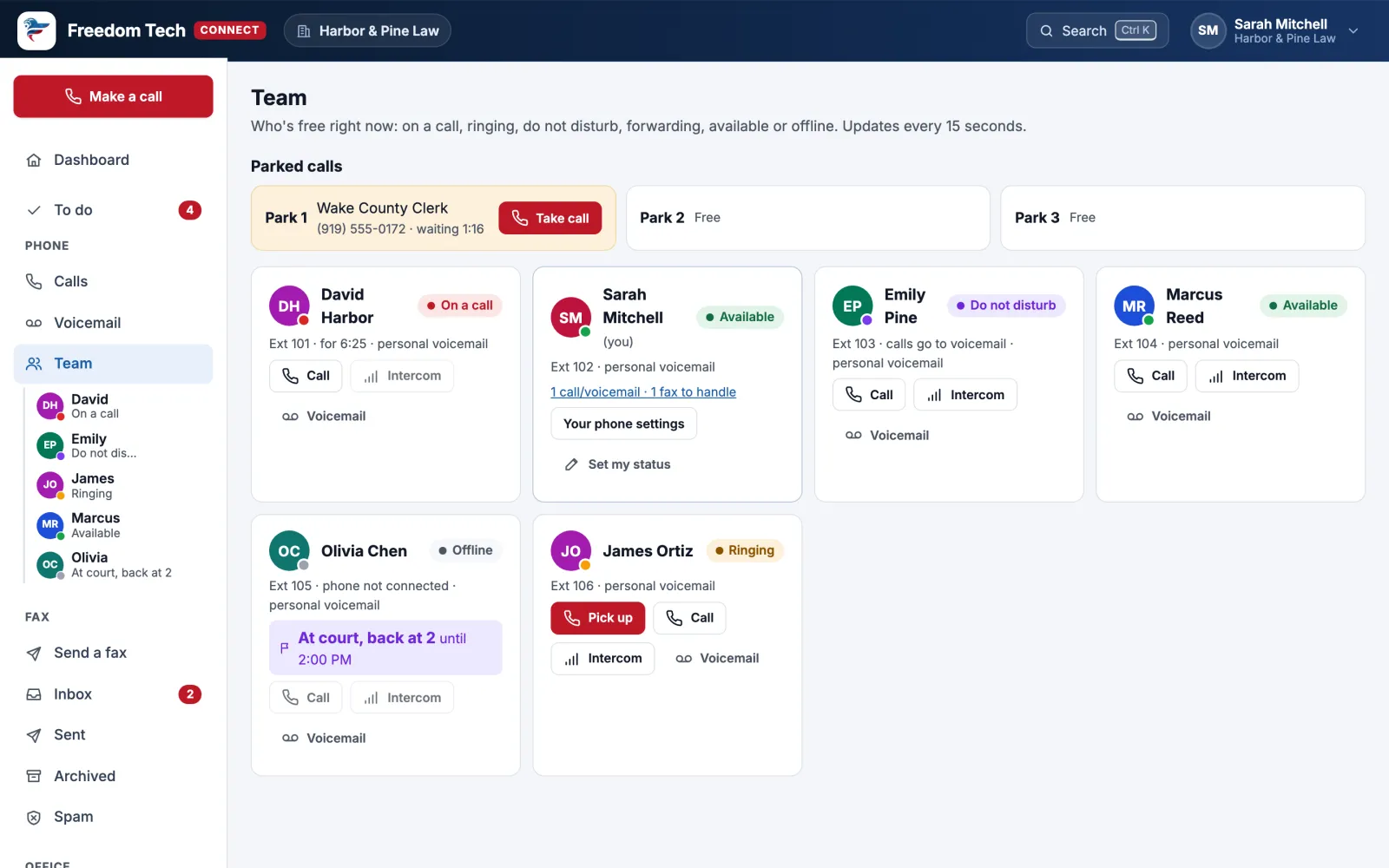
Front desk console
One screen for whoever answers the phones: every call, who's free, parked calls, and drag a call onto a person to transfer it.
Voicemail drops
Record a message once and leave it on someone's voicemail with one click, then move to the next call.
Conference bridges
A number everyone dials into, with a PIN, a host PIN and "wait for the host". Mute or remove people from Connect.
Paging and intercom
Talk through every phone in a group at once, or intercom one coworker's speaker.
Campaigns
Work through a call list one person at a time, with talking points, the right calling hours and a do-not-call list.
Wallboard
A TV screen for the office: who's free, calls in progress and today's counts. Names only, never phone numbers.
AI on your phones
Helpful AI, where it saves time
AI is optional. Offices with privacy mode can switch it all off.
Voicemail, written out
Read every message instead of listening, in Connect and in your email.
Call summaries
A short summary and to-do list for each recorded call, and the questions callers ask most.
AI assistant: dial *9242
Ask out loud: "Any new voicemail?" "What's on the calendar today?" It reads; it never changes anything.
AI interpreter: dial *4688
Call someone who speaks Spanish, French, Chinese, Japanese or Korean, and take turns while the interpreter translates.
After-hours receptionist
When you're closed, an AI receptionist can take the caller's name, number and reason and send it to you right away. Freedom Tech sets it up.
Reports
Answer rate, missed calls, busiest hours, queues and where calls come from, with a Monday digest email.
See it with your own calls
Book a 15-minute call. We'll show you Connect, look at your current phone bill, and tell you exactly what switching involves.